dominoGuru.com
Your Development & Design Resource
Welcome to dominoGuru.com
The go-to resource for the enterprise application developer. Here we cover industry news, reviews, features, and more on the topics that you'll need to survive your next development project.
Also check out our marketplace, for products, services, ebooks, and more to help you get the job done!
Read the About section of this site for more information or feel free to contact us.
Spotlight
-
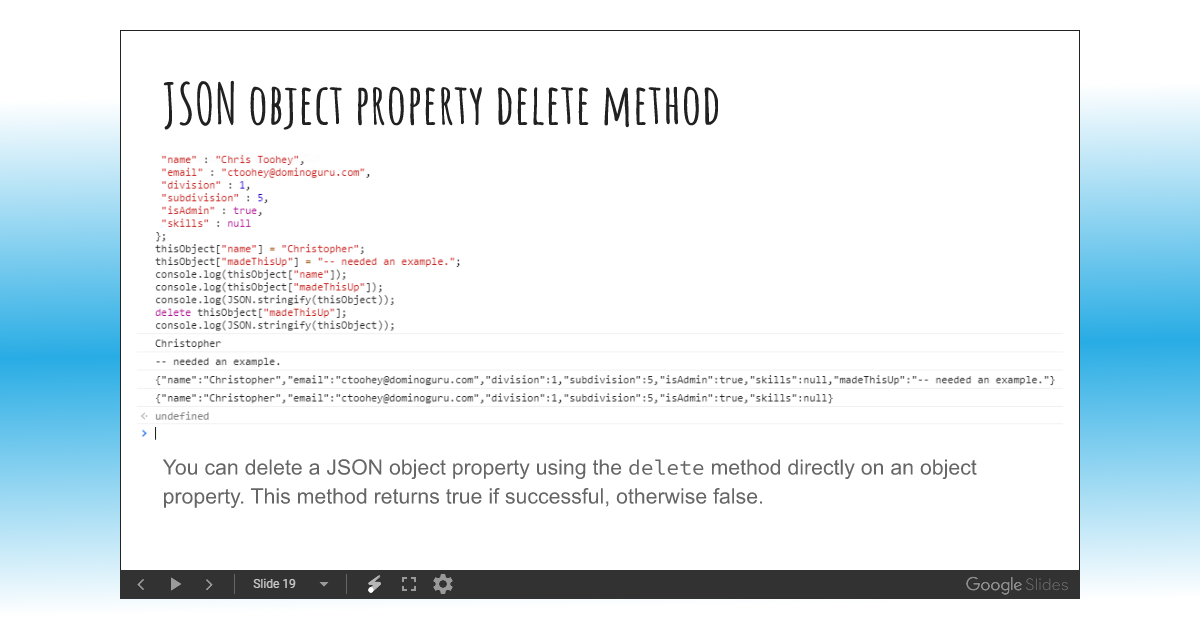 Blog: Course Unit Slidedeck: JSON Objects and Arrays - Intro to JavaScript
 -
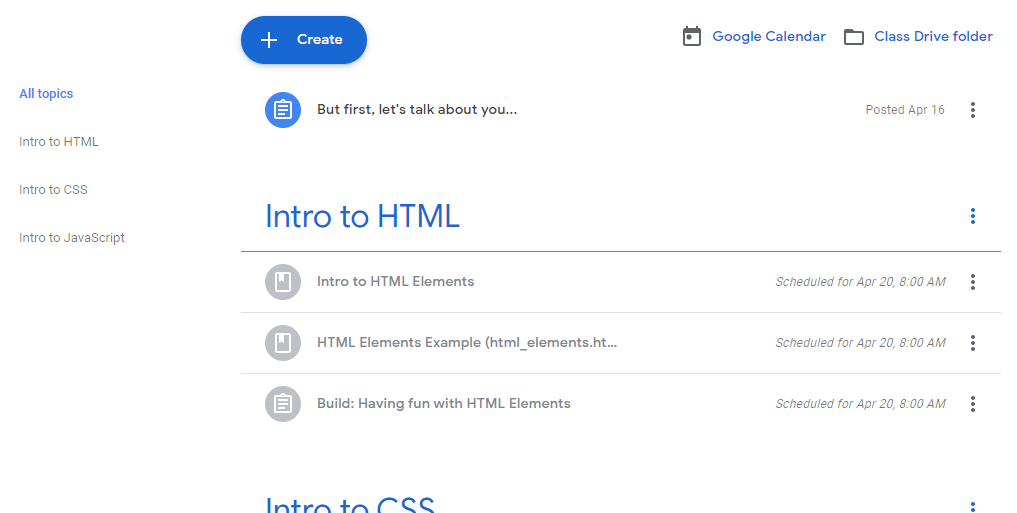 Blog: Introduction to Web Development for Notes Developers Online Course Launch (and course syllabus)
 -
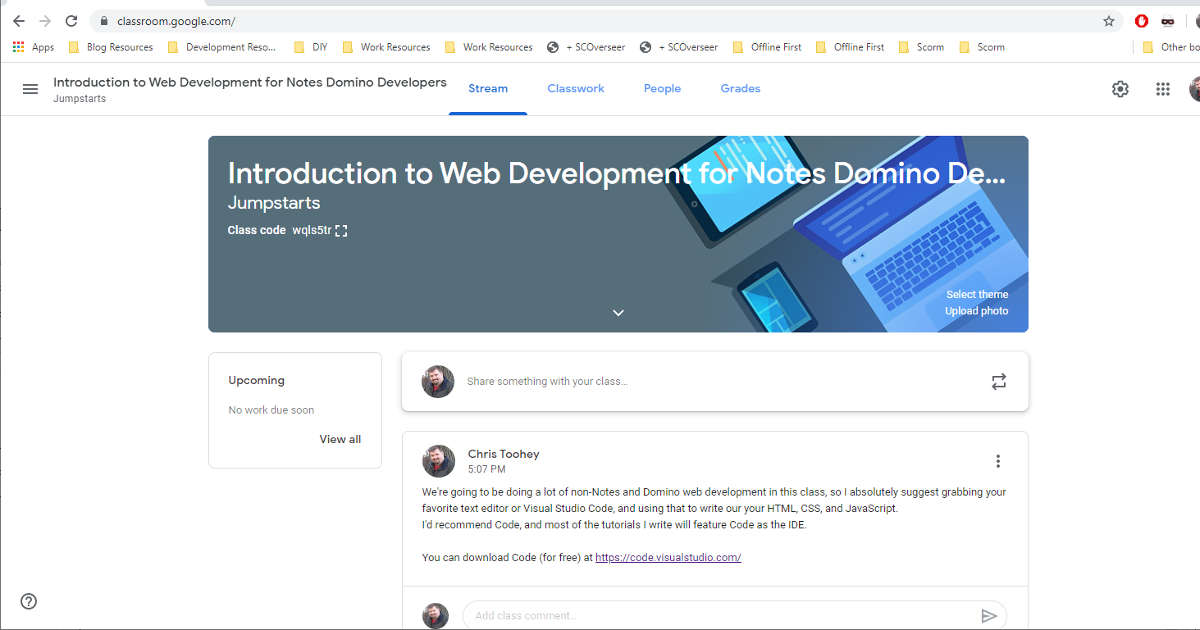 News: Google Classroom: Introduction to Web Development for Notes Domino Developers
 -
 Article: Web Storage Introduction for the Notes Domino Developer
 -
 Blog: Domino EDITH
Latest News & Blogs
-
Input Needed - Redesigning my Marketplace experience
by Chris Toohey - 10/02/2023

Currently redesigning the consulting services and apps section of this site and want to hear from you! Questions on payments, stateful access to your purchases/downloads, and more.
-
I need to get my Marketplace in order...
by Chris Toohey - 09/28/2023
The Marketplace section of this site was always setup as an afterthought. That's something I need to change.
-
Build vs Buy - Sourcing a solution as a developer
by Chris Toohey - 09/25/2023

On my phone I hit the app store, but when it comes to Domino I immediately start the DIY project...
- More News
Current Features
-
Web Storage Introduction for the Notes Domino Developer
by Chris Toohey on 04/15/2020
With support as far back as Internet Explorer 8, it's a mystery why using Web Storage hasn't become a standard practice for IBM Notes Domino application developers. Perhaps it's an unfamiliarity with the browser-based persistent storage solution or - for those of you familiar with the name - stringValue architecture - you might not consider the direct correlation with the methods most XPages developers use daily.
Either way, after this article you'll fully understand what Web Storage is and how you can use it in your own development efforts.
-
Creating meta-functions in IBM Notes Domino XPages SSJS for CRUD Operations
by Chris Toohey on 10/22/2018

Good developers will walk away with new techniques to add to their arsenal.
Great developers however will evolve their code not only with any appropriate newly-required technique, but will look at the approach each developer took to craft their method.
-
Relaying function-to-function arguments in JavaScript
by Chris Toohey on 05/24/2018

While I will be specifically giving you an example of argument relaying in JavaScript, this technique can be used in JavaScript or any server-side emulated JavaScript language (eg., SSJS in IBM Notes Domino XPages).
- More Features
Reviews
-
Microsoft Visual Studio Code BETA First Impressions
by Chris Toohey on 04/04/2016

As a multi-platform developer, I'm always on the lookout for new tools to help me get the job done. A solid and extendable IDE (or Integrated Developer Environment) can mean the difference between feeling empowered by your platform or feeling like you're l33t hacking just to get something functional deployed.
-
XPages Extension Library from IBM Press
by Chris Toohey on 06/04/2012
As the technical editor of the latest book from IBM Press on XPages, I had a first look at what was shaping up to be an absolute must-have resource for the OpenNTF.org Extension Library and XPages development.
-
XPages Portable Command Guide from IBM Press
by Chris Toohey on 03/26/2012

My review and giveaway of the latest XPages guide from IBM Press for the Lotus Notes Domino Application Developer. Read the complete review and find out how you can win your own copy of the XPages Portable Command Guide courtesy of IBM Press.
- More Reviews
New in the Marketplace
-
- Development and Design Mentoring Learn from the pros with hands-on, in-project development and design coaching and mentoring services.
-

- $65 / Hour
-
Need to finally tackle XPages but unsure of where to start? Do you want to learn web application development - HTML, CSS, JavaScript, and Java - but don't have time to do your job and read those books? Then check out our Development and Design Mentoring Services!
-
- Junction Lite v1.1 Microsoft Excel Import Utility App for the IBM Lotus Notes Client
-

- $5 USD
-
Junction Lite v1.1, the latest version of my $5 IBM Lotus Notes Client Utility App for importing Microsoft Excel Spreadsheets into Lotus Notes and Domino NotesDatabase Applications.
Import from Microsoft Access or SQL (via initial export to Microsoft Excel) directly into Lotus Notes via this simple, low-cost solution. Junction Lite is available for immediate purchase online for $5 / Lotus Domino Domain!
-
- Mailer v1.0 Mass Mailing and Email Campaign Utility for the Lotus Notes Client
-

- $5 USD
-
Based on Zephyr, Mailer is a user-friendly mass mail campaign management utility that allows you to create Dear firstname-style Email Templates and push Job Documents from click-to-integrate sources like the IBM Lotus Notes Client Personal Address Book or even custom NotesDatabase CRM solutions.
- More from the Marketplace

dominoGuru.com is powered by IBM Notes Domino XPages & hosted by Prominic.NET
Contact Us
Use our Contact / Feedback form or one of these email addresses:

Except where otherwise noted, dominoGuru.com by Chris Toohey is licensed under a Creative Commons Attribution-ShareAlike 4.0 International License.